What Boutique Customers Are Responding To on Instagram Right Now
TL;DR
Boutique customers are paying attention to quick try-ons with honest fit notes, new-arrival videos filmed as the box opens, complete outfit ideas, and familiar staff and customer faces. The post should answer a shopping question or give her something worth saving or sending to a friend. Ohavah gets new arrivals listed from the supplier invoice in minutes, so the item is ready to buy when she sees it on Instagram.
Turn supplier invoices into products instantly
Skip the manual data entry. Upload a PDF, get ready-to-import products.
A customer can like the dress in your Reel and still be nowhere close to buying it. She wants to know whether the fabric clings, if the waist stretches, what shoes work with it, and whether she can have it by Saturday.
The posts getting a response right now help her through one of those decisions. They tend to look less like a campaign and more like the conversation she'd have with you in the fitting room. Most can be filmed while you're unpacking, merchandising, or helping someone put an outfit together, with no trending sound required.
Fit details people can use
Show enough of the try-on for someone to understand the garment. Turn around, walk a few steps, and sit down if the piece is fitted. While you're wearing it, cover the details a product photo misses:
- Your usual size and the size you're wearing
- Where the piece has room and where it fits closer
- Stretch, lining, pockets, and how the fabric feels
- Who might prefer to size up or down
"I'm usually a medium and wearing the medium" helps. "The waist doesn't stretch, so I'd size up if you're between sizes" is better because it resolves a reason to hesitate.
Talk the way you would if she stepped out of the fitting room and asked what you thought. You don't need to praise every detail. Pointing out that a blouse runs short or a cream skirt needs a slip earns more trust than calling everything flattering. Practical product knowledge sells better than a pushy pitch, both in the store and on Instagram.
Show the box before the excitement wears off
Customers follow a boutique account partly to see what came in. Let them see the box when you're opening it instead of waiting a week for the finished photos.
Have the strongest piece in your hand when the video starts. As you pull out the next few styles, explain what caught your attention when you bought them and mention limited quantities plainly. "We received one small and two mediums" gives a customer the inventory information she needs without a manufactured countdown.
If you wait until every piece is steamed, photographed, captioned, and arranged against the right wall, another week can pass before the shipment feels new online. Film during unpacking. Come back to the best pieces in Stories later that day with a try-on, a color poll, or a product link.
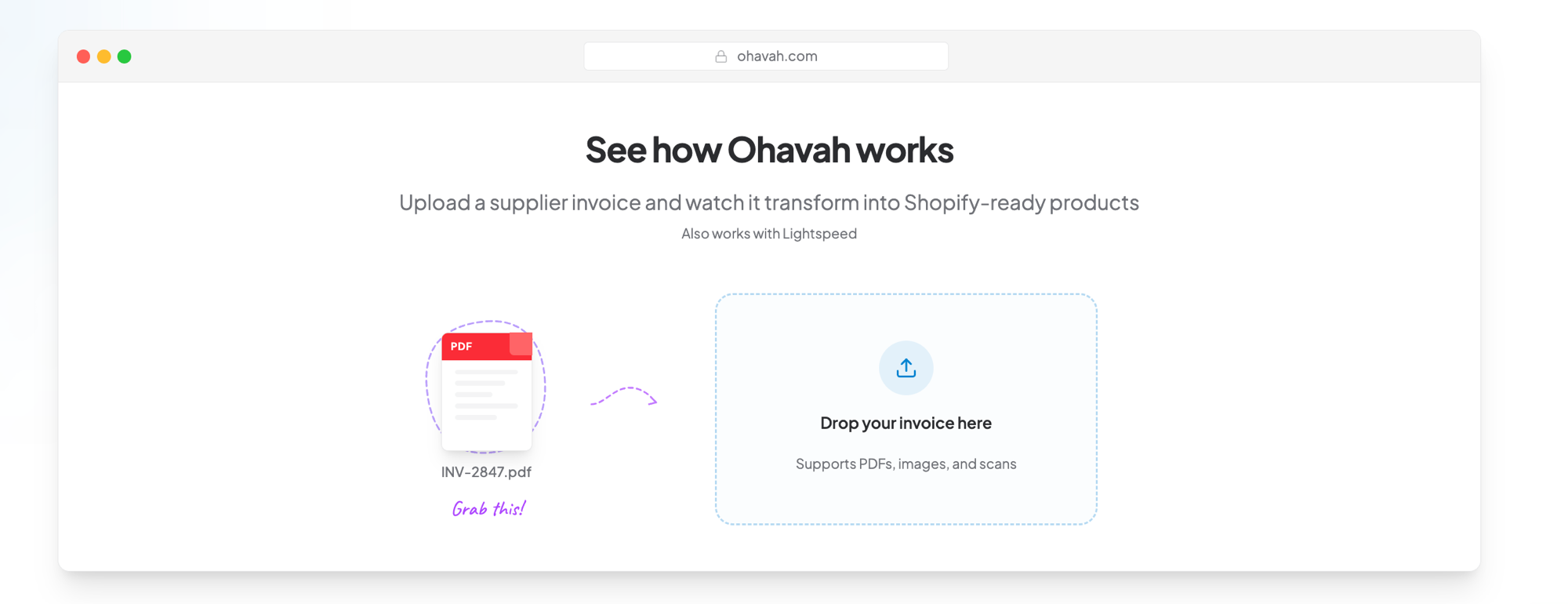
A customer who taps after seeing the unboxing shouldn't land on an empty search result. See how Ohavah turns the supplier invoice into Shopify-ready listings. Get the shipment online, then post while customers still feel like they're getting the first look.
Give her a reason to save the post
A complete outfit has a longer life than another shot of a sweater on a hanger. It answers the question shoppers ask as they decide if a piece belongs in their closet: "What would I wear with this?"
You could show:
- One new piece styled for work and the weekend
- A complete outfit built around an item customers keep picking up but not buying
- Three tops that work with the same pair of denim
- A layer to add when a sleeveless dress feels too bare
Once a shopper sees the sweater with the jeans and necklace, she can picture a finished look rather than one more item to buy. Bring the same approach to the sales floor by turning a rack into an outfit story, or use sets and layering to increase average order value without adding a discount.
Let your staff have opinions
Customers know who chooses your assortment, opens the boxes, and helps them get dressed. That relationship is something a large retailer can't borrow, so put those people on camera and let them sound like themselves.
Ask each staff member to pick an arrival and explain where she'd wear it. Share why you bought the green but passed on the blue, or why you keep ordering from a certain brand. If a customer offers to model her outfit and gives you permission to post it, her take on the piece will often be more helpful than yours.
Your account will still feel consistent when the voice and taste are consistent, even if one video is filmed on the stockroom floor and the next is in the fitting room. That shift toward recognizable people and useful footage is part of why casual content is beating overproduced posts.
Make it easy to send to a friend
Plenty of Instagram shopping happens in DMs. Someone sends a dress to the friend attending the same wedding, a daughter forwards a gift idea to her mom, or a regular sees a jacket and immediately knows who would wear it.
Give the post a recognizable person or occasion:
- "Send this to the friend who always needs pockets."
- "What to wear when the invitation says garden party."
- "For the teacher who wants a comfortable first-week outfit."
- "A gift for the person who says she doesn't need anything."
- "Which color would your friend choose?"
Keep the product at the center. The occasion gives someone a reason to put it into a conversation she was already having.
Stories that invite a small decision
Stories are easiest to answer when the choice takes one tap. Ask which color should go in the window, whether customers want a try-on, or which sold-out style deserves a reorder. Then use the answer.
Good prompts are specific enough to answer without thinking:
- "Black or olive?"
- "Try this on with denim or a skirt?"
- "Do you want the fit check tonight?"
- "Should we reorder this in the sold-out sizes?"
If customers vote for the olive jacket, show it in the window. If they ask for the fit check, post it. People keep answering when they can see that you listened, and those small exchanges help turn one-time shoppers into loyal customers.
Use customer proof with details
A customer coming back for a second color says more than a caption calling the top a must-have.
Share the proof you already have, such as a customer photo, a DM about the fit, a clip from a try-on event, or news that a color sold through and was reordered. Ask permission before sharing messages or customer images, and explain what the next shopper should notice.
"Three customers between 5'2" and 5'5" loved the petite length" answers a buying question. "Everyone loves this!" doesn't tell the next shopper much.
You can see how Ohavah boutique owners use their own voices and communities on our customer stories. Here's Lacy, owner of Willowmere Boutique in Pella, Iowa:
What to post in an ordinary week
A plan has to survive a shipment week. Three posts are enough to cover the buying questions above:
- Arrival: Film one box-opening or first-look Reel when inventory lands.
- Answer: Post one try-on, fit note, or customer-question response.
- Style: Show one piece in a complete outfit or two different settings.
Use Stories between those posts for polls, restock updates, and customer photos. All of it comes from work already happening in the store, so you aren't staring at a blank content calendar every Sunday night.
Look past likes when you review the week. Saves tell you which styling was worth keeping. DMs often hand you the question for your next post, while product-page visits and sales show whether the interest went anywhere.
Don't post a product customers can't find
The best boutique content feels close to the shopping experience in your store. A customer sees the fit, gets your opinion, and knows where to find her size. Instagram loses that advantage when the product in the video won't be online for another four days.
Ohavah turns a supplier invoice into ready-to-import product listings, including titles, pricing, SKUs, variants, and other product details. Put the shipment online while you're filming the first try-on, and the customer who asks "where can I get this?" won't have to wait for an answer.
Try Ohavah free for 7 days and spend the next shipment day talking to customers instead of entering products one at a time.