Shopify MCP Explained: What Shopify's AI Connector Can and Can't Do
TL;DR
Shopify MCP is Shopify's Model Context Protocol support, an AI connector that lets assistants like Claude and ChatGPT talk to your store, read your data, and take actions in plain language. It's useful for answering questions, pulling analytics, and building AI shopping experiences, and Shopify's own assistant, Sidekick, does a lot inside your admin. Neither one is built to take a supplier's invoice PDF and turn a whole shipment into ready-to-import product listings with correct sizes, colors, SKUs, and pricing. Ohavah is built for that specific job, so use the Shopify AI tools for what they're good at and let Ohavah handle the part they aren't.
Turn supplier invoices into products instantly
Skip the manual data entry. Upload a PDF, get ready-to-import products.
If you run a boutique on Shopify, you've probably noticed AI showing up everywhere in the platform this year. There's a new connector called Shopify MCP, the in-admin assistant Sidekick, and a growing push to let people shop your store straight from a chat with ChatGPT. It's a lot to keep track of when you're already busy running the place, so here's a plain-English guide to what each one actually does, where it helps, and the one part of your day none of them were designed to fix.
What Shopify MCP actually is
MCP stands for Model Context Protocol, an open standard for connecting AI models to real data and tools. Think of it as a common plug. Instead of every AI assistant needing a custom integration with Shopify, MCP gives them one standard door into your store, with permissions you control.
Shopify has built a few different MCP connectors for different jobs:
- Storefront MCP lets an AI agent search your catalog and manage a shopping cart, so you can build a chat assistant that helps shoppers find products and check out.
- The Shopify Dev MCP, part of Shopify's AI toolkit, gives AI coding tools access to Shopify's developer docs, API schema, and store context, which mostly matters if you or a developer are building an app.
- Third-party connectors on the app store, like ShopMCP, let you paste a snippet into Claude or Cursor and give an AI assistant read, write, or delete access to specific parts of your store.
There's also a bigger picture behind all this. Shopify is pushing what it calls agentic commerce, connecting merchants to AI conversations across ChatGPT, Microsoft Copilot, and Google's Gemini and AI Mode, so a shopper asking an AI for a gift can buy from your store inside that chat. When people say "Shopify AI" or "Shopify connector," this whole family of tools is usually what they mean.
What you can do with it
The Shopify AI connector is at its best when you want to ask questions and get things done in words instead of clicking through menus. Once you've connected an assistant like Claude or ChatGPT to your store, you can ask it to pull up last month's best sellers, check which sizes are low, summarize recent orders, or draft a collection description, and it works against your live store data.
On the customer-facing side, the storefront connector lets you offer a shopping assistant that answers product and shipping questions and helps people find the right item, which is one more way to meet a shopper at the moment she's actually deciding. If you already think of your online store as a second location, these tools are about making that location easier to run and easier to shop.
How it works with Claude or ChatGPT
The setup is usually straightforward. You connect a Shopify MCP server or a connector app to your assistant, decide what it's allowed to see and change, and then talk to it like you would a knowledgeable employee. "Which products haven't sold in 60 days?" or "Add these three items to the summer collection" become things you can just type.
The important part is that you stay in control of the permissions. A good connector lets you grant read-only access for questions and analysis, or read-and-write access when you want the assistant to make changes. Give it the narrowest access that gets the job done, especially early on while you're learning what it does well and where it needs a second look.
Where Sidekick fits in
Alongside MCP, Shopify has its own built-in assistant, Sidekick. You don't set anything up; you click the purple glasses icon in your admin and start chatting. It's included with your plan, it respects each staff member's permissions, and it can analyze data, help manage orders, edit products, and generate content, all with knowledge of how Shopify actually works.
Sidekick is handy for the everyday "how do I" questions and small tasks, and it's careful by design. It won't change your store without showing you the options and getting your approval first, which is reassuring but also means it hangs back rather than just doing things. It has limits too. By Shopify's own account it can't edit the images in your product list or theme, it isn't available in a mobile browser, and it leans toward presenting choices instead of taking bold action. That caution is a feature when you're worried about mistakes, and a ceiling when you want something done in bulk without babysitting each step.
The one job none of them are built for
Here's where it gets practical for a boutique. Every one of these tools assumes your product information is already clean and structured. They're great at moving, editing, and answering questions about data that's already in Shopify. The hard part of your week isn't usually that. It's the box that just arrived with a vendor's invoice, and the hour or two it takes to turn that paper into live, sellable products.
A supplier invoice is messy in ways general AI struggles with. Every brand formats its SKUs and style numbers differently. Sizes and colors are variants that have to be built correctly, wholesale prices need a markup and rounding rule to become retail, and titles and tags have to be consistent so your store stays organized. Ask a general assistant over MCP to do all that from a PDF and it can try, but it tends to guess at SKUs it can't read cleanly, mishandle the variant structure, and create products one at a time while you check each one. Sidekick, being cautious, will mostly hand the work back to you for approval step by step. Neither was built to reliably turn a fifty-line invoice into fifty correct listings.
This isn't a knock on MCP or Sidekick. It's a question of what a tool was designed for. A general connector is a general connector, and invoice-to-listing is a narrow, finicky job that rewards a tool built specifically for it.
Where Ohavah is built for exactly this
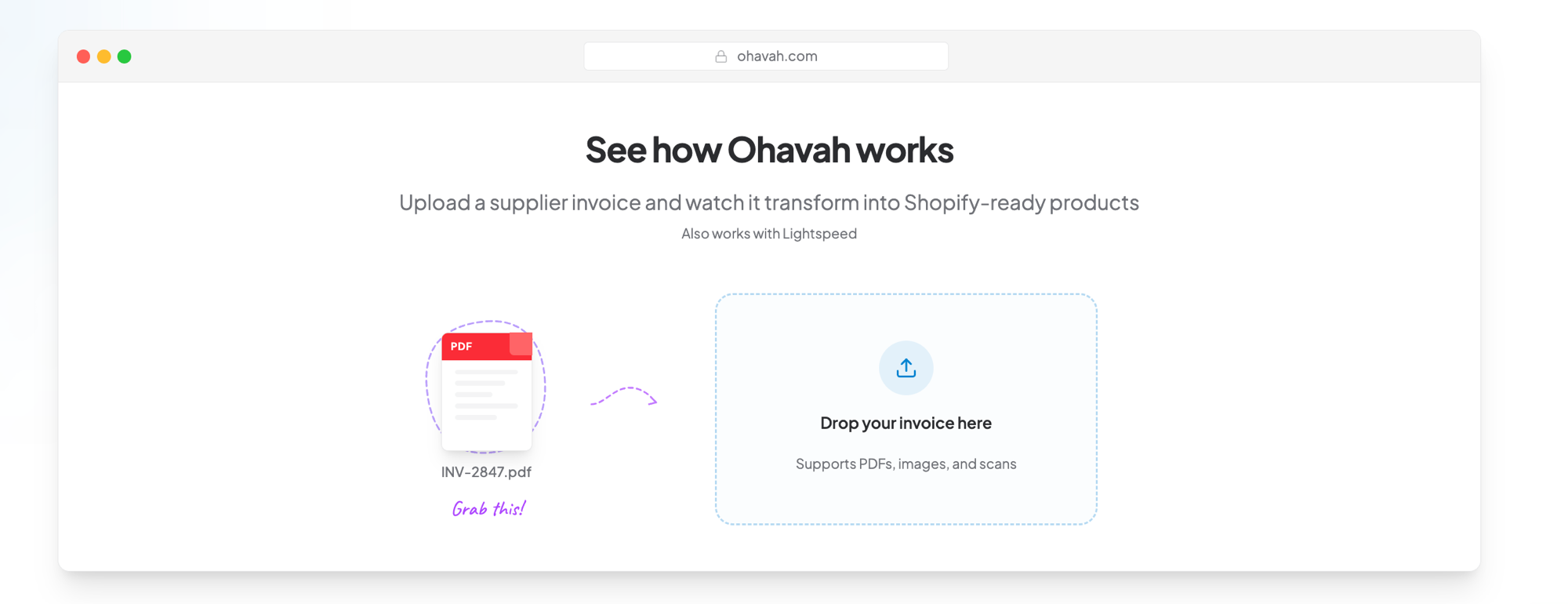
Ohavah does the one thing the Shopify AI tools weren't made to do. You upload the supplier invoice PDF, and it reads every line item and produces a Shopify-ready product file with titles, variants for size and color, SKUs, pricing, and tags already filled in, ready to bulk import. What used to be an afternoon of typing becomes a few minutes of review.
The difference is in the details that trip up a general tool:
- SKUs and style numbers are read against the real formats boutique vendors use, so you're not left correcting hallucinated codes.
- Pricing applies your markup and rounding rules automatically, turning wholesale into clean retail prices.
- Variants for sizes and colors are structured and sorted the way Shopify expects, not jammed into one product.
- The whole shipment is handled at once, not one product at a time, so a big delivery doesn't mean a long night.
You can even pull in product images to finish the listings, and if you want to see the CSV format behind a Shopify import or bulk-edit products afterward, those pieces fit right into the same workflow.
You can see how real Ohavah boutiques get new product online the day it lands, in their own words, over on our customer stories. Here's Lacy from Willowmere Boutique:
Use the right tool for each job
The smart move isn't picking a side. Shopify MCP and Sidekick are worth using for what they're good at: answering questions about your store, pulling analytics, tidying up collections, and giving shoppers an AI way to buy from you. Let them handle the store-management side and the customer conversations.
For the part that actually eats your time, getting a shipment from a vendor's invoice to live products on your site, reach for the tool built for it. Try Ohavah free for 7 days and turn your next invoice into ready-to-import listings in minutes, so the product is selling the day it lands instead of the night you finally finish typing it in.